Upload Your Watch History
Get started by uploading your watch history file from Google Takeout. Make sure to select JSON as the format for your history data during the Takeout process. The file is usually named `watch-history.json`.
Drag & drop your file here or click to browse
Supports watch-history.json from Google Takeout
Your data is processed locally and never leaves your browser
Don't have a watch history file? Try the app with our sample data.
Don't have your data yet? When downloading from Google Takeout, ensure you select JSON as the format for your YouTube watch history.
Download your data from Google TakeoutAnalyze Your YouTube Data
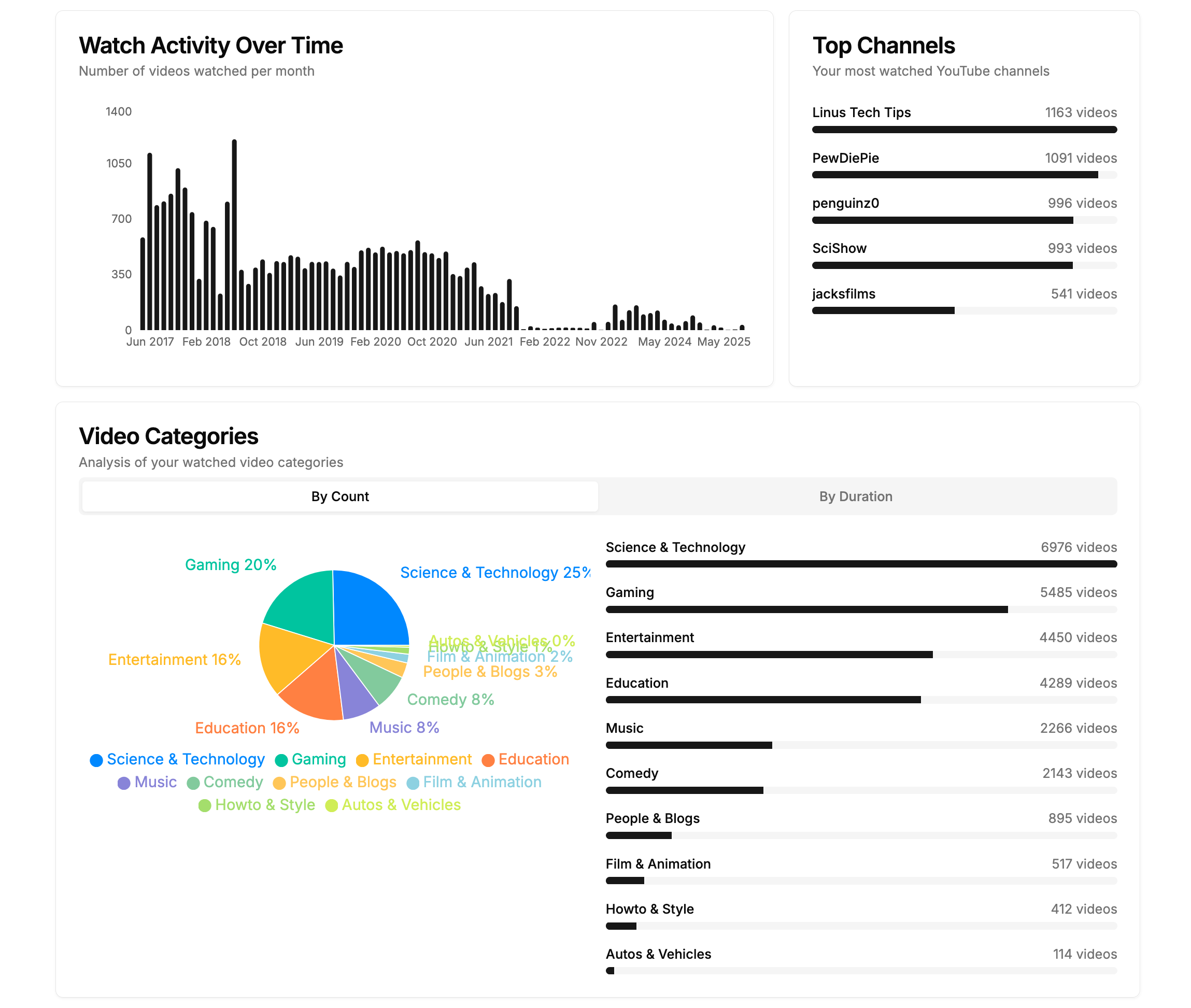
Our app processes your watch history and connects to YouTube's API to provide comprehensive insights.
Upload your watch history
Upload the `watch-history.json` file from your Google Takeout data. Remember to select JSON as the format when exporting.
Connect with YouTube
Authorize access to YouTube Data API to fetch additional video metadata.
View your insights
Explore detailed analytics about your viewing habits and preferences.